> For the complete documentation index, see [llms.txt](https://docs.assetchain.org/llms.txt). Markdown versions of documentation pages are available by appending `.md` to page URLs; this page is available as [Markdown](https://docs.assetchain.org/general-info/security.md).
# Security
Integration with SolidityScan on Asset Chain Advanced Explorer
Asset Chain's integration with SolidityScan on our Advanced Explorer's, provides users with enhanced security insights into the contracts they interact with on Asset Chain.
This feature helps protect users from interacting with malicious Smart Contracts and fosters a safer ecosystem.
### How to Use
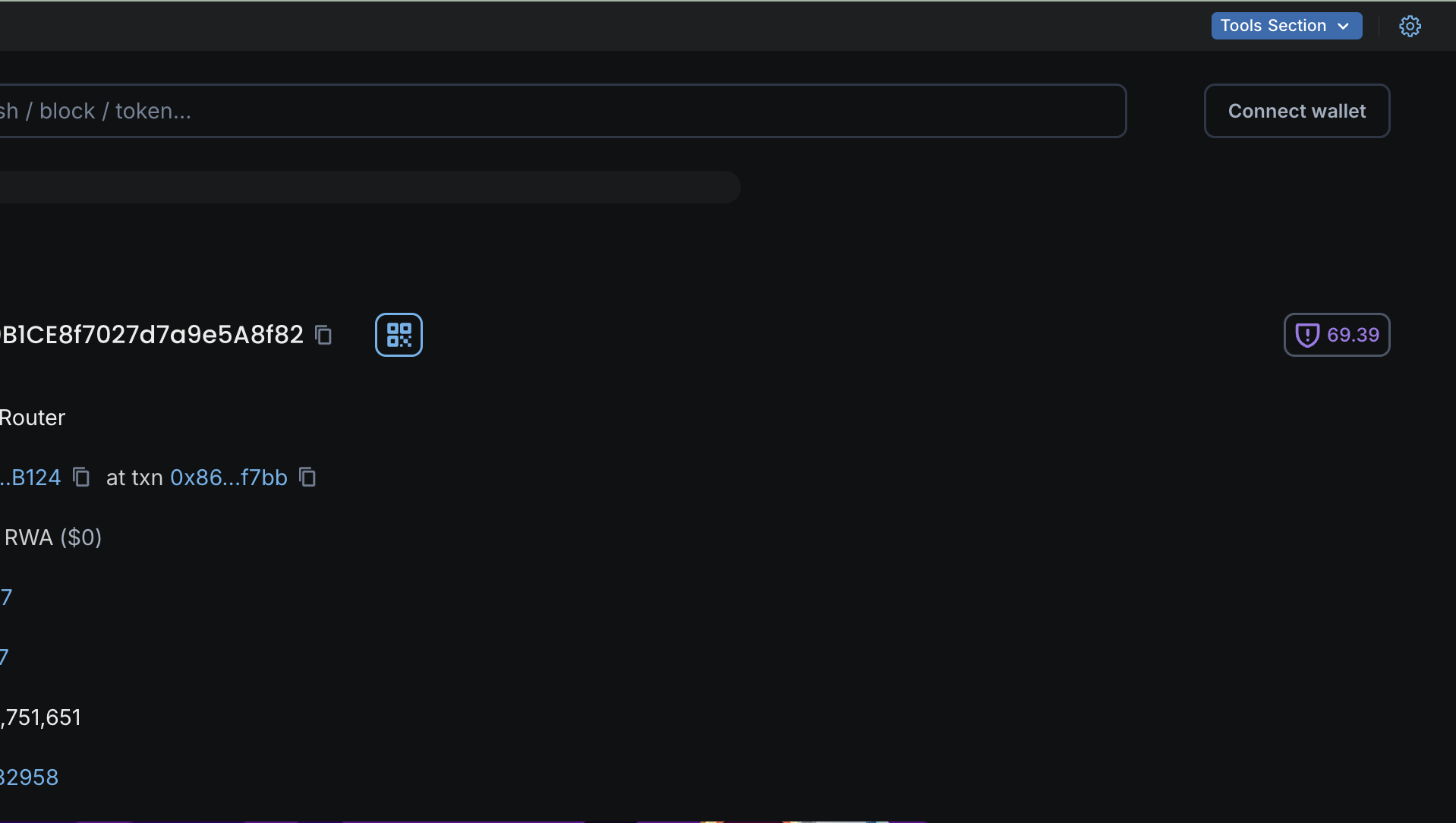
1. Visit an address that has a contract deployed to it.
2. Ensure that the contract is verified.
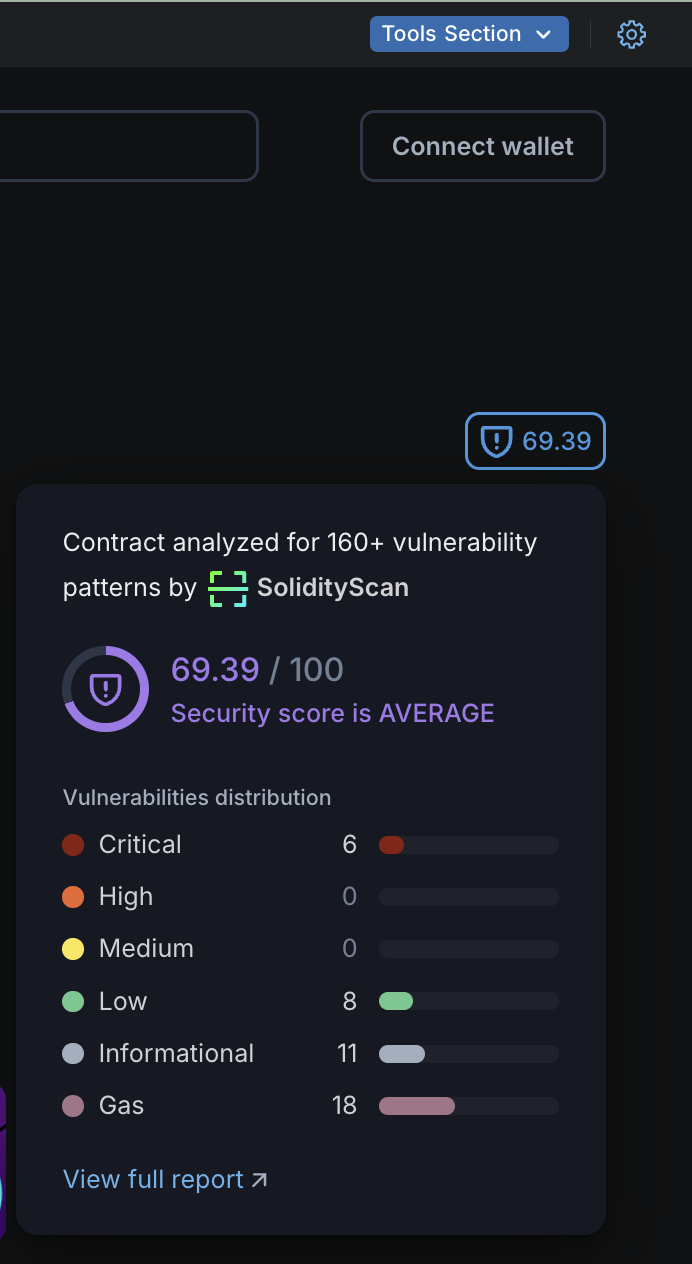
3. Click on the shield icon located at the top right corner.
4. This action will display a dropdown containing a general audit report for the contract.
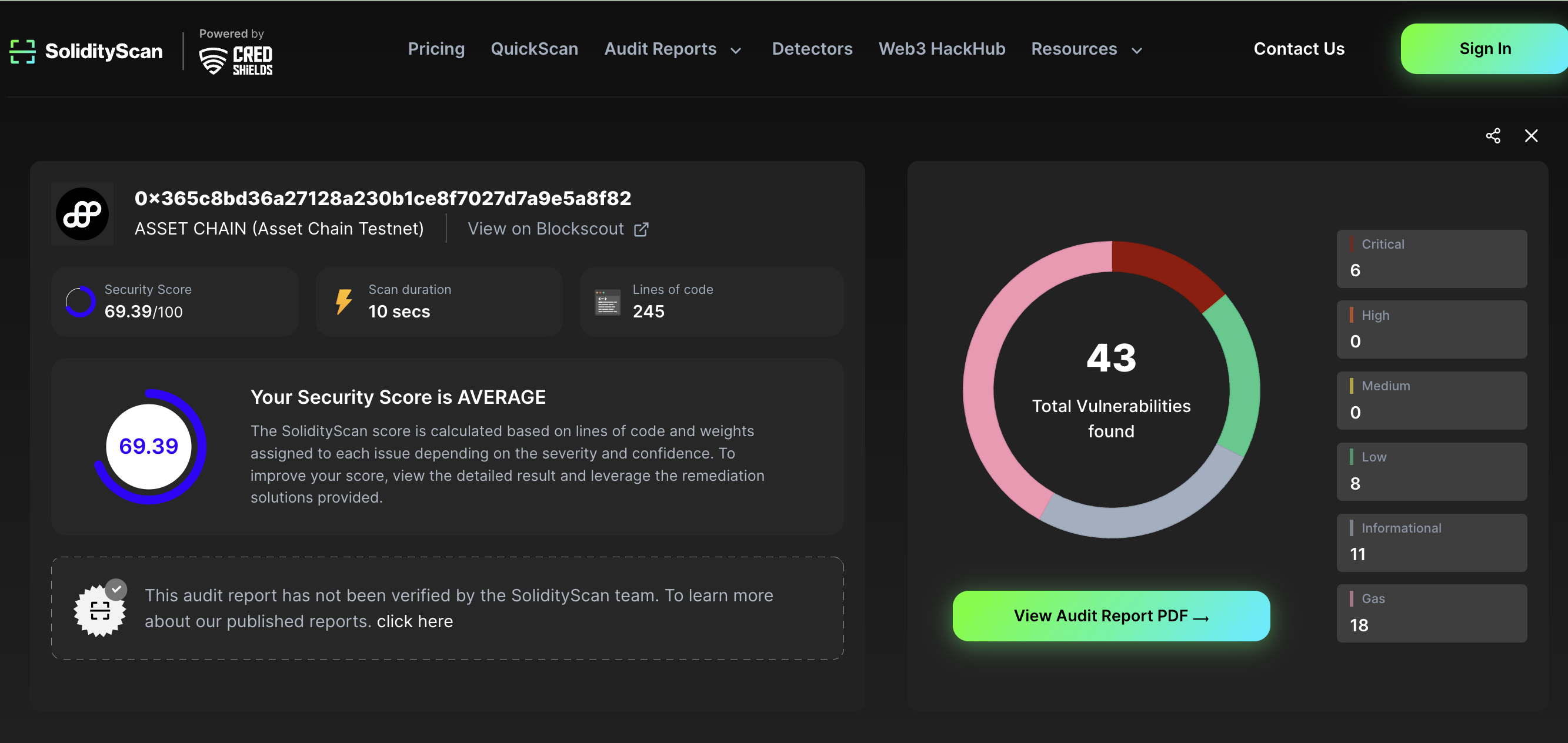
5. To view a more detailed report, click on "View Full Report." which redirects you to an overview page below.
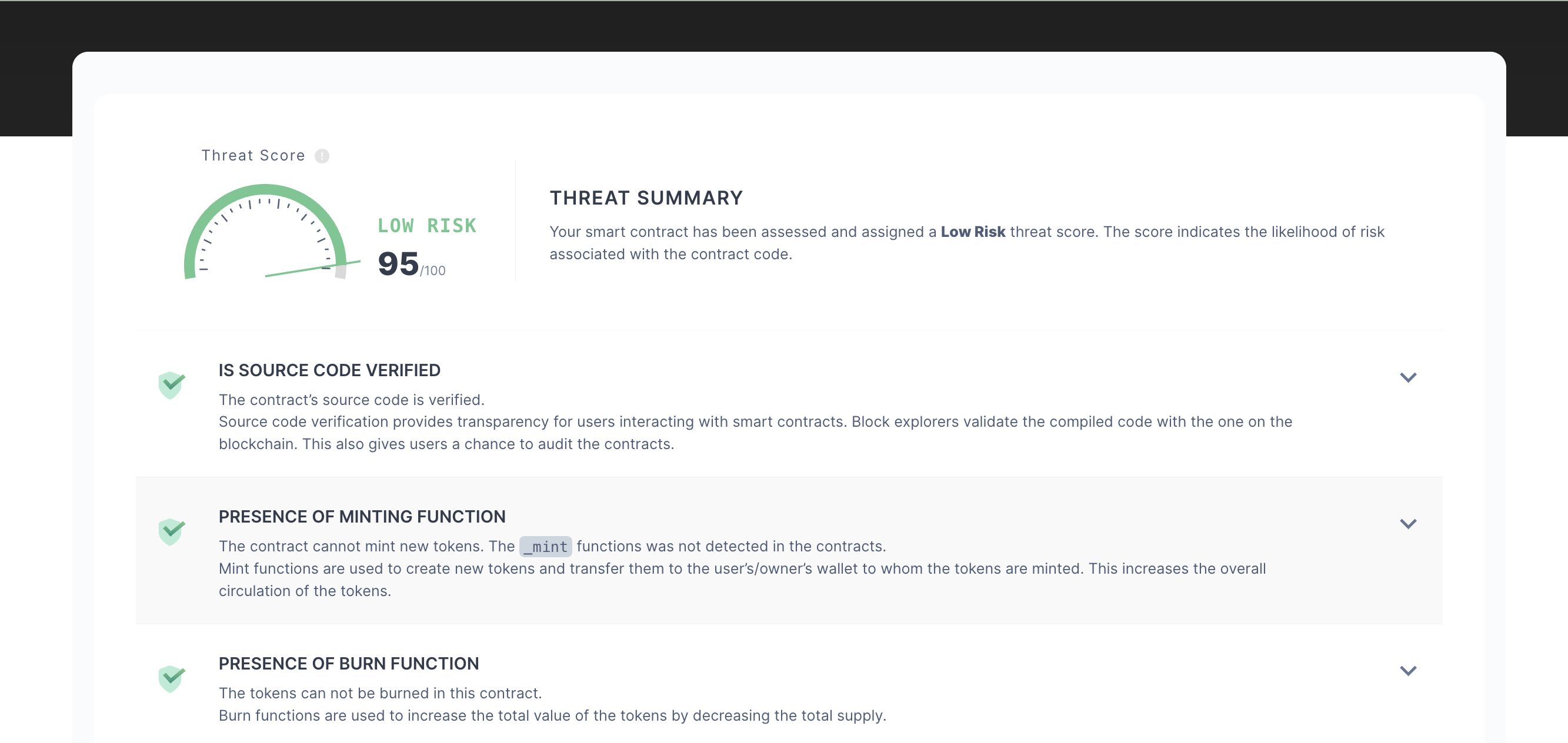
6. You can scroll down for additional insights into the vulnerabilities identified.
{% hint style="success" %}
Congratulations! Thats how you get started with protecting yourself from Malicious smart contracts on Asset Chain.
{% endhint %}